

- Go to your EctaroShip panel and Integrastions pages in the left menu
- Then click the ‘Add new integration’ button, Then select PrestaShop as the integration in the list.
- Write something as the integration name. (It’s for your own reference)
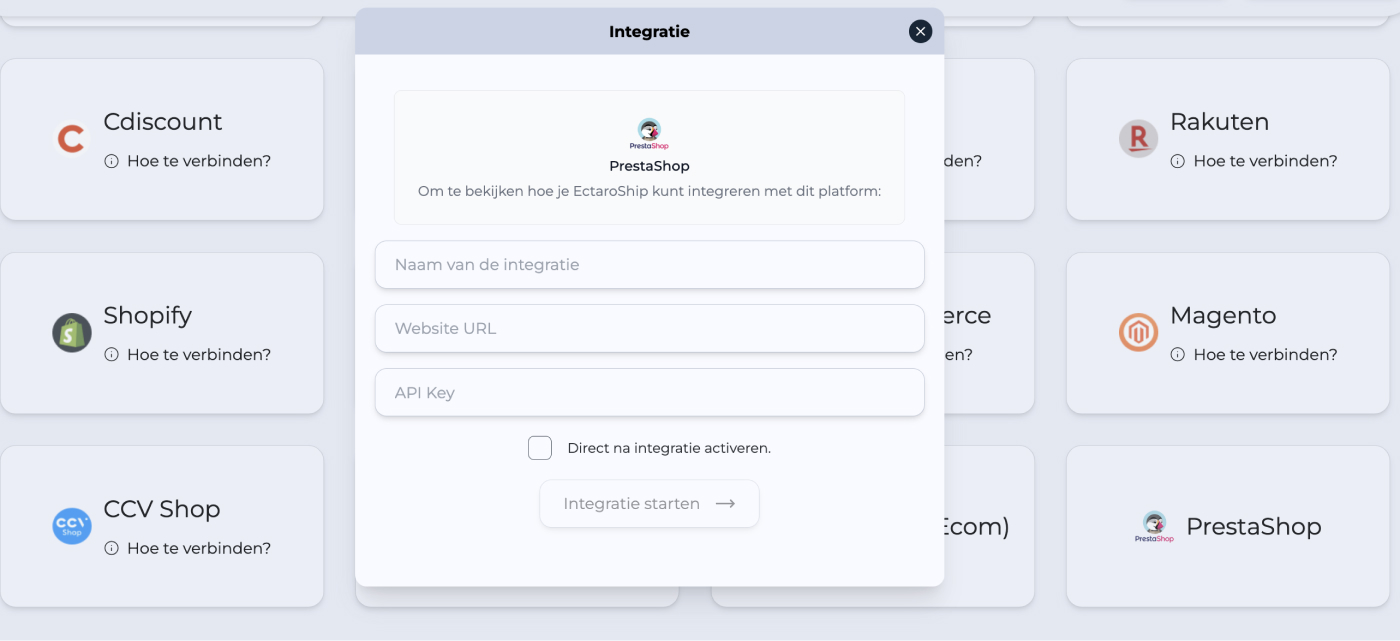
- Copy and paste your shop URL
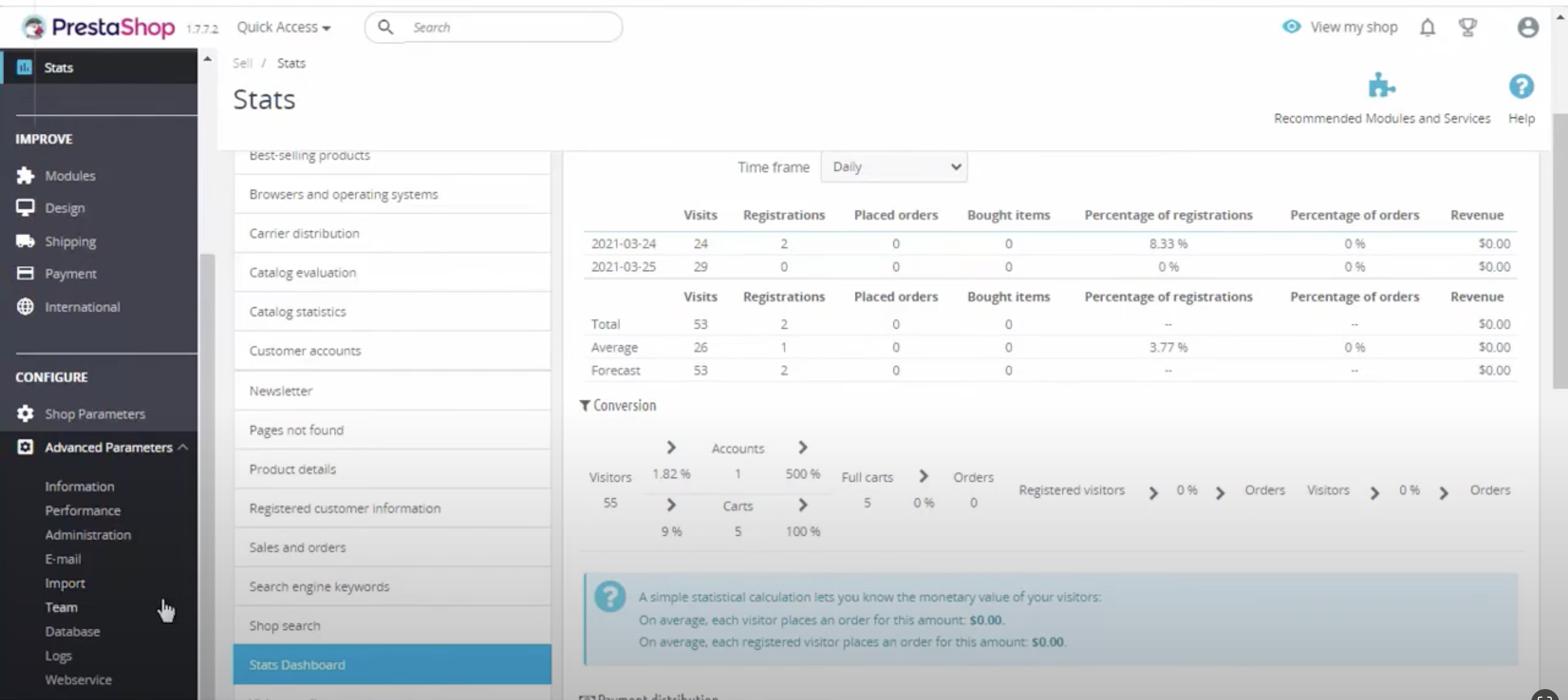
- Go to the PrestaShop admin panel ‘Menu > Advanced Parameters > Web service’.
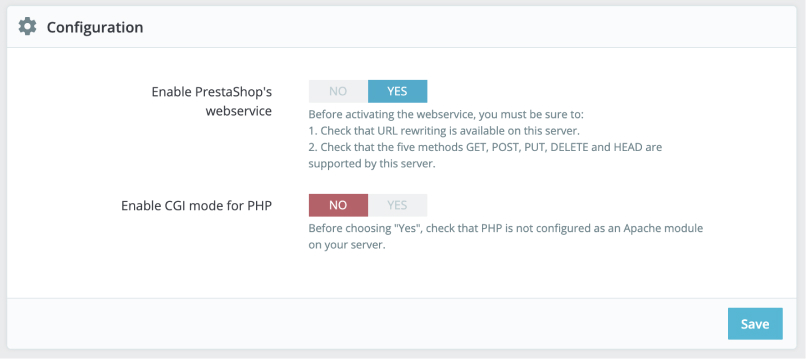
- Click ‘Yes’ for ‘Enable PrestaShop’s Weebservice’ and then click ‘Save’.
- Then click the ‘Add new webservice key’ button to go to the account configuration section.
- Then click the ‘ Generate’ button and write ‘ EctaroShip’ as the key description
- Then click on the checkboxes to set these permissions: orders, order_carriers, order_details, currencies, countries, states, carriers, customers, addresses, messages, deliveries, images, products
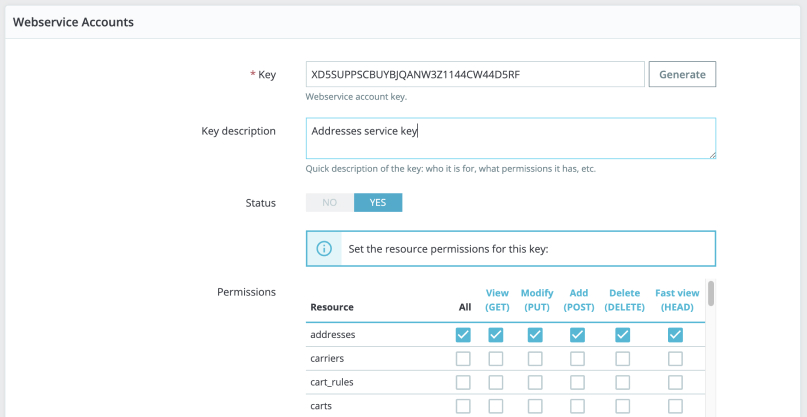
- Click ‘Save’ and copy the API Key. Return to the EctaroShip panel and paste your API key and click ‘Start integration’.